


NO-CODE WORKFLOW AUTOMATION
Respond to operational events with automated workflows, consistent across all your sites
 React
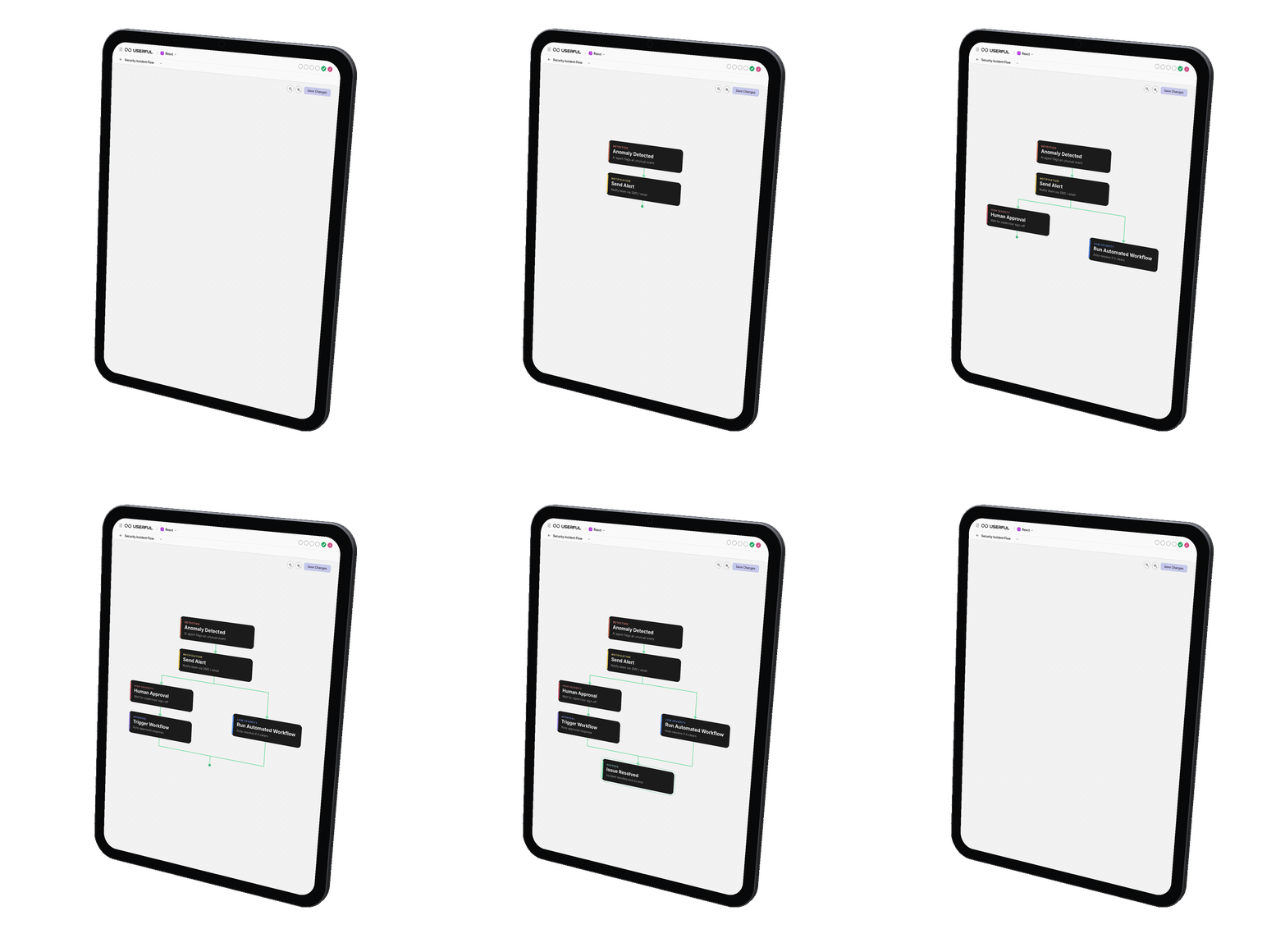
Easily build and run workflows based on your organizational SOPs, reduce repetitive tasks, with no code required.
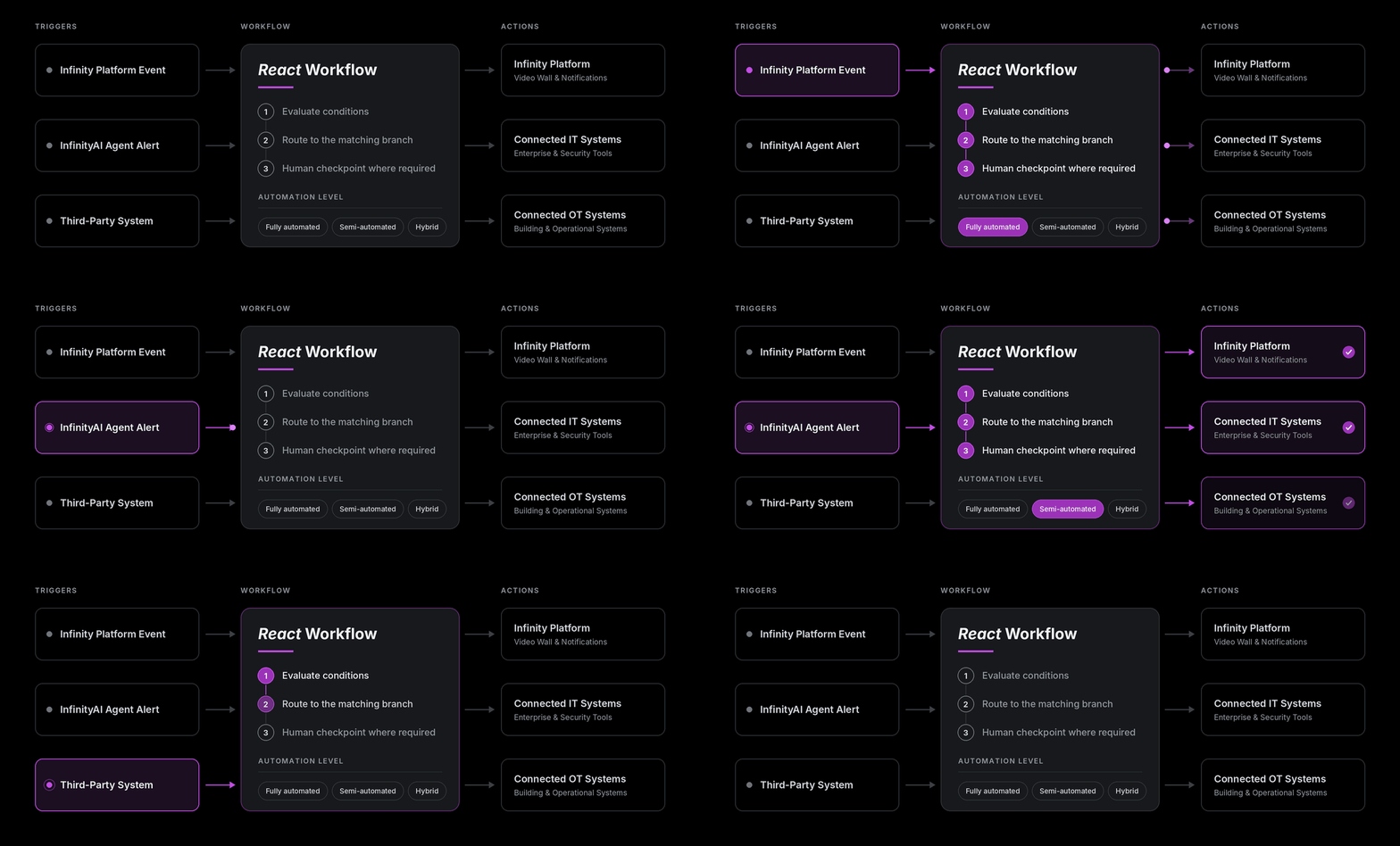
Userful's no-code workflow automation builder enables operators to run automated, semi-automated, or hybrid workflows. A trigger from the Infinity Platform, an InfinityAI agent, or a connected system starts the workflow, and actions execute across your IT and OT systems, with human checkpoints wherever you need them.
React Delivers the AI Advantage

Faster Incident Response
Workflows execute the instant a trigger occurs. Routine steps happen in seconds, so Mean-Time-To-Respond (MTTR) drops.

Fewer Human Errors
Every workflow executes the steps you have set. No action gets overlooked and no variation occurs between operators or shifts.

Consistent SOPs at Every Site
Deploy the same workflow across multiple locations. Every site responds to the same event the same way.

Scale Without Adding Headcount
As event volume grows, workflows absorb the load. Operators step in only where judgment is needed.
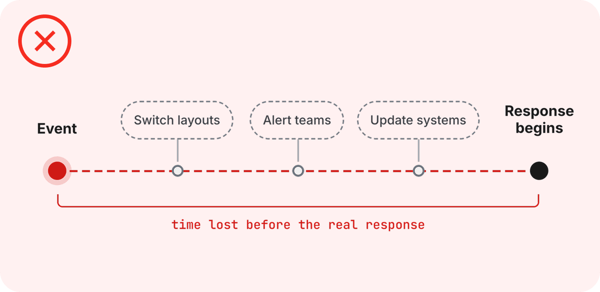
Routine Steps Delay the Response
When an event hits, operators switch layouts, alert teams, and update systems manually. Every manual step adds time before the real response begins.
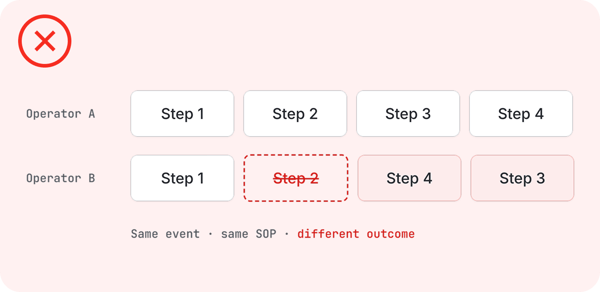
Same Event, Different Response
Under pressure, two operators can handle the same situation in two different ways. Steps get skipped, and SOPs live on paper more than in practice.
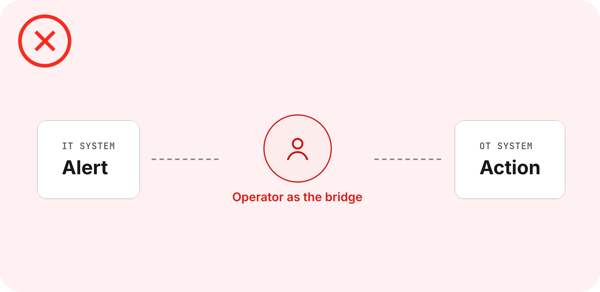
IT and OT Systems Are Typically Siloed
The alert appears in one system while the action lives in another. Operators become the bridge, moving information between tools while the clock runs.
Workflows That Act the Moment an Event Occurs
Capture your best response once. Run it every time.

Build Without Code
Drag, drop, and connect steps to create a workflow. Operations teams own their automation, with no scripting and no developer effort.

Start From Any Trigger
Launch a workflow from an event on the Infinity Platform, an anomaly flagged by InfinityAI, or a signal from a connected system.

Choose Your Level of Automation
Run workflows fully automated, semi-automated, or hybrid. Add human-in-the-loop checkpoints wherever your governance requires an operator's approval.

Act Across IT & OT
One workflow can execute actions across the Infinity Platform and your connected IT and OT systems. Change the video wall, alert the right team, and act on connected systems together.
How React Executes

One Platform -
From Detection to Response
Userful Infinity unifies your operational data, detects what matters with InfinityAI, and executes the response through no-code workflows, all on one software-defined platform.
Your operators stay focused on decisions, and every routine step runs the same way, at every site, every time.
Frequently Asked Questions
What is no-code workflow automation for control rooms?

What can trigger a workflow?
Can operators stay in control of automated workflows?
Can we use the same workflow at multiple sites?
How do we know a workflow will behave as expected?